Fibre laser cutters are productive metal-cutting platforms — but cut quality, uptime, safety and long-term reliability depend on routine checks, not reactive breakdown calls alone. This checklist covers practical operator-level maintenance for UK workshops running Vector and other Mantech-supplied fibre lasers. Requirements vary by machine, specification, environment and daily usage — always follow your machine manual and manufacturer guidance first.
Weekly and monthly checks on optics, assist gas and extraction protect cut quality more than reactive breakdown calls. Pair this checklist with the fibre safety guide, keep Vector platforms serviced through the fibre hub, and size Kemper extraction for your install on the Kemper fibre laser extraction hub.
Why fibre laser maintenance matters
- Consistent cut quality — contaminated optics, worn nozzles or poor gas delivery show up as dross, taper or missed tolerance.
- Reduced avoidable downtime — small issues caught early cost less than emergency stoppages.
- Safer operation — extraction, guarding and a clean work area protect operators and the machine.
- Better consumable life — nozzles, protective windows and assist gas use stay predictable.
- Cleaner optics and cutting process — less reactive rework and parameter chasing.
- More predictable production — logs and planned servicing spot recurring faults before they repeat.
Before you start: follow the machine manual and safety procedures
Only trained operators should carry out routine checks. Follow the manufacturer procedure for isolation, shutdown and access. Never bypass guards, interlocks or laser safety systems. Do not attempt electrical repair, laser-source work or adjustments outside your training — call Mantech support for faults, alarms, damage or anything beyond routine operator checks.
Read the fibre laser safety guide alongside this checklist and confirm your workshop procedures before production runs.
1. Check the cutting head and protective lens
Inspect the cutting head and protective optics for contamination, spatter build-up, cracks or other visible damage. Dirty or damaged optics affect beam delivery and cut quality quickly. Report anything unusual — do not disassemble the head or clean protected components unless your machine manual and training explicitly allow it. Escalate to service when cut quality drops without an obvious parameter cause.
2. Inspect nozzles and consumables
Nozzle condition affects assist gas flow, stand-off and edge quality. Look for damage, debris, contamination or wear before and after shifts. Use the correct nozzle type and consumables for the material and process — mixing parts across applications often looks like a machine fault. Replace worn consumables through your normal supply route rather than running damaged nozzles.
3. Check assist gas supply and pressure
Assist gas delivery affects cut quality on steel, stainless and aluminium workflows. Confirm the correct gas route for the job, check supply levels and read regulator gauges according to your machine procedure. Do not guess pressure values or override gas settings without verified parameters. If gas quality, leaks or unstable readings appear, stop and call support rather than continuing production.
4. Check the chiller and coolant system
Cooling supports laser-source and cut-head stability. Check coolant level, temperature indicators and chiller alarms as your machine guidance requires. Look for leaks, unusual noise or contamination around cooling lines — but leave chiller service, coolant replacement and internal work to qualified engineers on the planned maintenance schedule.
5. Keep extraction and filtration working properly
Fume and particulate management matters for operator environment and consistent cutting. Check that extraction is running, filters are within service life and duct routes are clear according to your install specification. Poor extraction can look like a process problem when airflow is the root cause.
Size and maintain extraction on the Kemper fibre laser extraction hub and confirm your install matches the machine and materials you cut every day.
6. Clean the bed, slats and working area
Slag, offcuts and debris on the bed or in collection trays affect sheet support, cut consistency and workshop safety. Empty slag trays and keep the cutting area tidy as part of routine shutdown — following safe access procedures. Do not reach into the machine while motion systems are enabled or guards are bypassed.
7. Check sheet support, clamps and loading area
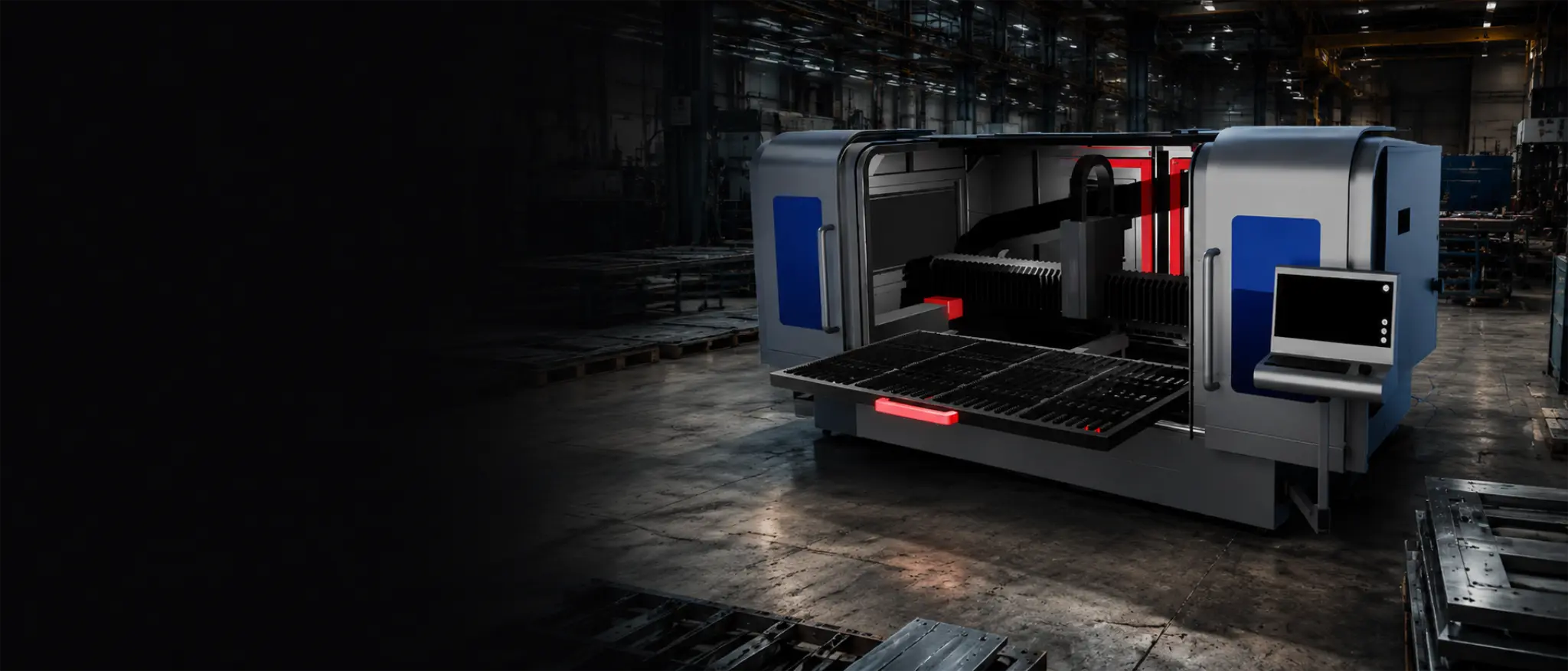
Stable sheet positioning matters for repeatability. Inspect slats, supports and the loading area for damage, heavy build-up or obstruction before nesting. Damaged slats or poor support can show up as inconsistent edge quality across the sheet. Replace worn bed components through the correct service route rather than improvising support.
8. Check motion system and general machine condition
Listen for unusual noises during dry runs and look for visible contamination, obstruction or damage on axes, covers and the work envelope. Capacitive height sensing and nozzle alignment affect cut quality — if auto-focus behaviour changes or alarms appear, stop and escalate rather than forcing production. Do not adjust mechanical or electrical components without qualified training.
9. Check software, job setup and cutting parameters
Wrong material, thickness, gas or parameter selection can look like a hardware fault. Confirm job setup, nest orientation and cutting parameters before blaming the machine. Use verified parameter libraries and test coupons when changing material grade or thickness — avoid unsupported speed or power guesses on production parts.
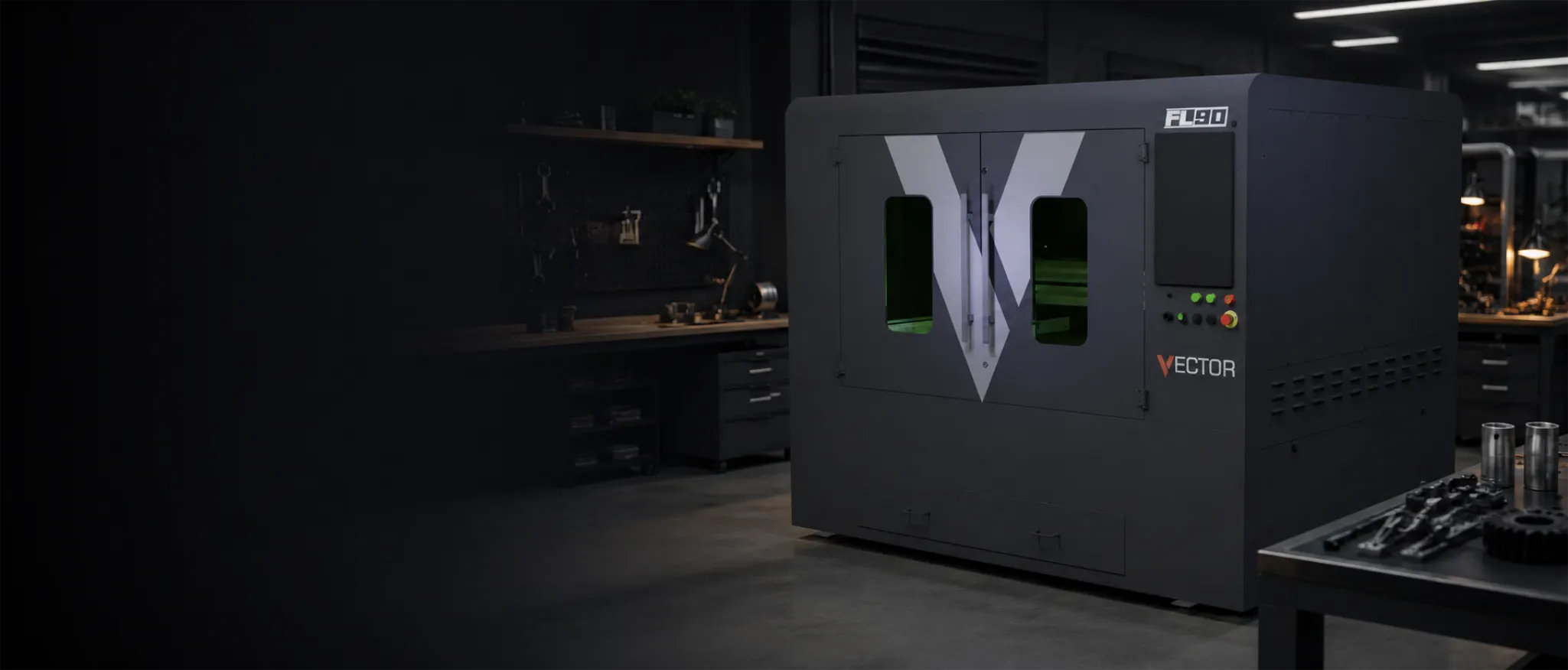
Dial starting settings in the fibre laser parameter tool and compare platform fit on the Vector FL90 product page or full fibre laser hub when spec decisions are still open.
10. Keep service records and plan scheduled maintenance
Log routine checks, consumable changes and recurring alarms — patterns help engineers diagnose faults faster. Planned servicing, chiller maintenance and manufacturer-scheduled work protect reliability over years of production. Contact Mantech for consumables, service agreements or faults outside routine operator scope.
Visit Mantech support for service backup, or call 0121 541 1444 when cut quality drops, alarms persist or anything falls outside this checklist.
Maintenance checks for buyers, not just owners
- Operator training and handover scope at install.
- UK support, service access and response expectations.
- Consumables supply and planned maintenance routes.
- Extraction sizing for your materials and shift pattern.
- Safety procedures, guarding and workshop layout.
- Application guidance — material, thickness and kW fit before purchase.
Prospective buyers should compare platforms on the fibre laser power guide, model payback on the fibre ROI calculator and read fibre laser cost in the UK for ownership context beyond purchase price.
Useful next reads
- Fibre laser hub
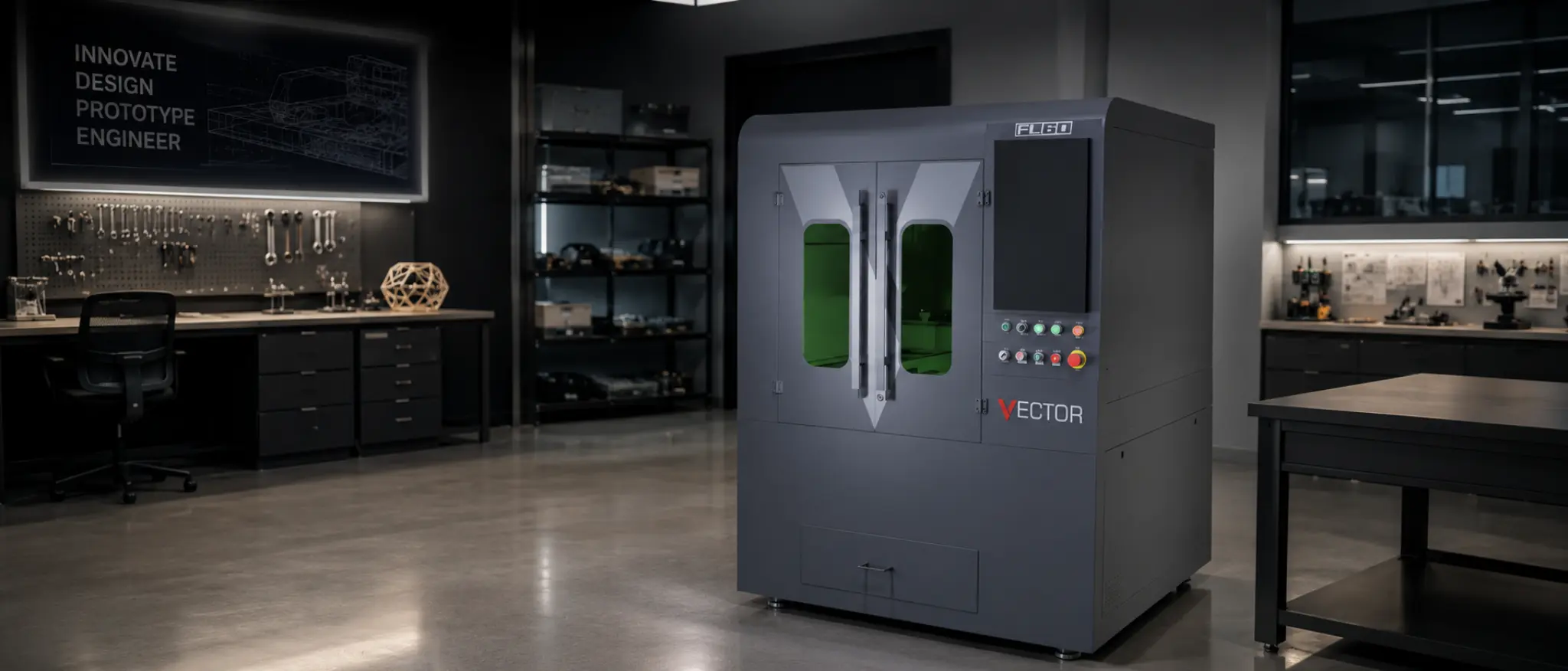
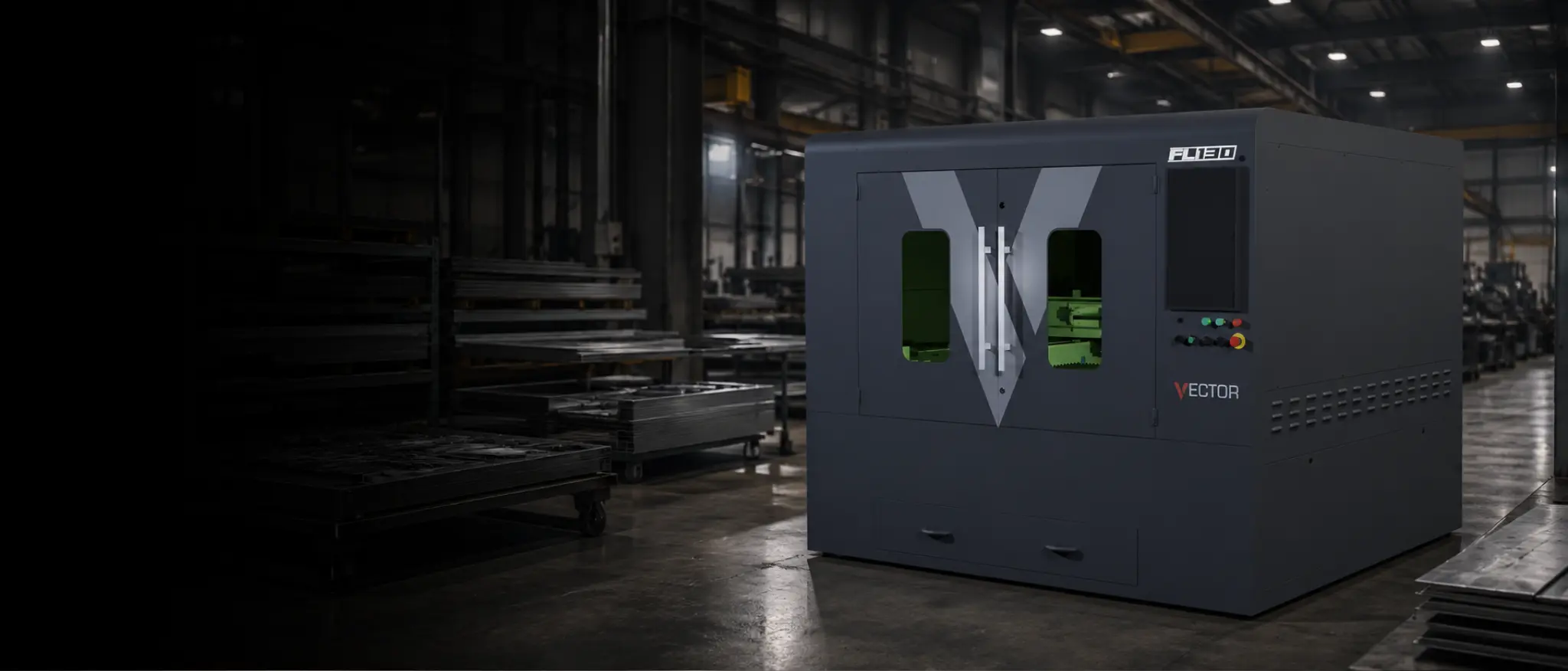
Compare Vector FL60 through FL250/300 and Titan routes in one place.
- Fibre laser safety guide
Workshop safety expectations alongside routine maintenance.
- Kemper fibre laser extraction
Size and maintain fume filtration for your install.
- Mantech support
Service backup, consumables and engineer contact routes.
- Fibre vs CO2 for sheet metal
Platform choice when maintenance planning starts at purchase.
- Fibre laser technology guide
Source, chiller and cut-head architecture for informed ownership.
Frequently asked questions
How often should a fibre laser cutter be maintained?
Frequency depends on machine model, daily run hours, materials and environment. Follow your manufacturer manual for daily, weekly and scheduled service tasks. Log checks and plan qualified servicing rather than waiting for cut quality to fail.
What daily checks should operators carry out on a fibre laser?
Typical operator checks include cutting-head and nozzle inspection, assist gas supply, extraction running, bed and slag area condition, and confirming job parameters before cutting. Exact tasks vary by platform — use your machine procedure.
Why does extraction matter on a fibre laser cutter?
Metal cutting produces fume and particulate that affect operator environment and workshop air quality. Poor extraction can also influence process stability. Size and maintain filtration for your machine and materials.
Can operators clean fibre laser optics themselves?
Only when your machine manual and training explicitly allow it. Otherwise report contamination or damage and call support. Incorrect cleaning can damage expensive optics and worsen cut quality.
What should I do if my fibre laser cut quality drops?
Check nozzles, gas supply, extraction and job parameters first. Stop production if alarms appear or damage is visible. Contact Mantech support for faults, alignment issues or anything outside routine operator checks.