Choosing CO2 laser cutter wattage is one of the first questions UK buyers ask — but the best answer depends on material type, everyday thickness, production volume, bed size, finish expectations and how much engraving versus cutting you run. Higher wattage is not automatically better if the platform, extraction or workflow is wrong for the job. This guide explains what wattage affects and how to route toward the right Lasertech CO2 platform — or fibre laser when metal dominates your quoting.
Rated tube power must match your thickest everyday material and daily run hours — not peak demo thickness. Position Desktop, Pro and Large Format on the CO₂ hub, dial starting settings in the parameter guide, and read the maintenance guide before you commit to a platform.
What does CO2 laser wattage actually affect?
- Cutting capability on non-metal materials — thicker or denser stock generally needs more power or slower feeds.
- Processing speed on repeat production — higher rated power can reduce cycle time when setup is correct.
- Engraving behaviour — detail work often favours controlled power and good optics, not maximum wattage alone.
- Material suitability — wood, acrylic, MDF, card, textiles and many plastics sit on CO2; production sheet metal does not.
- Edge finish expectations — lens, focus, assist gas, extraction and parameters matter alongside tube power.
- Productivity on repeat work — daily run hours and batch size should drive power choice, not brochure peak demos.
The short answer: choose wattage around your material
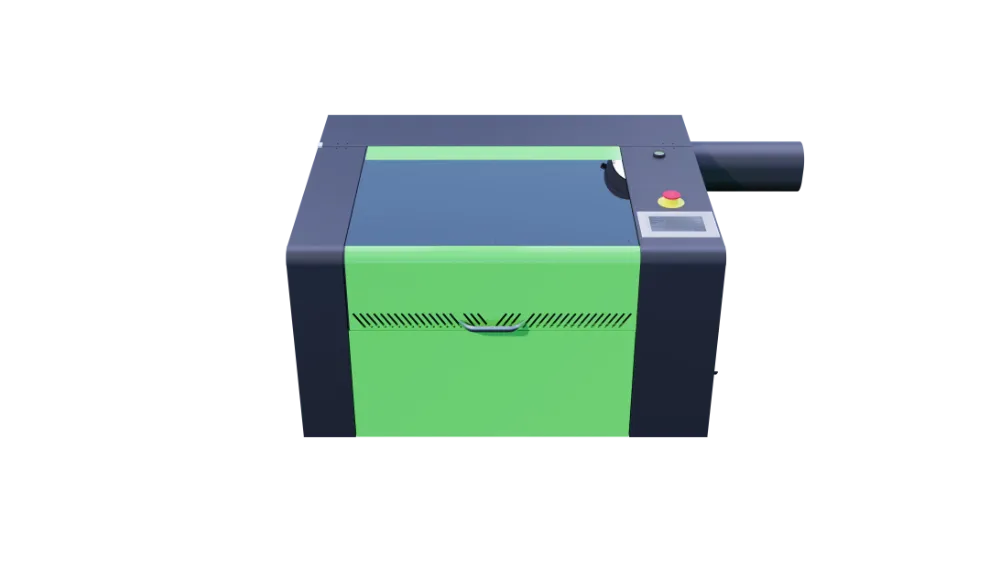
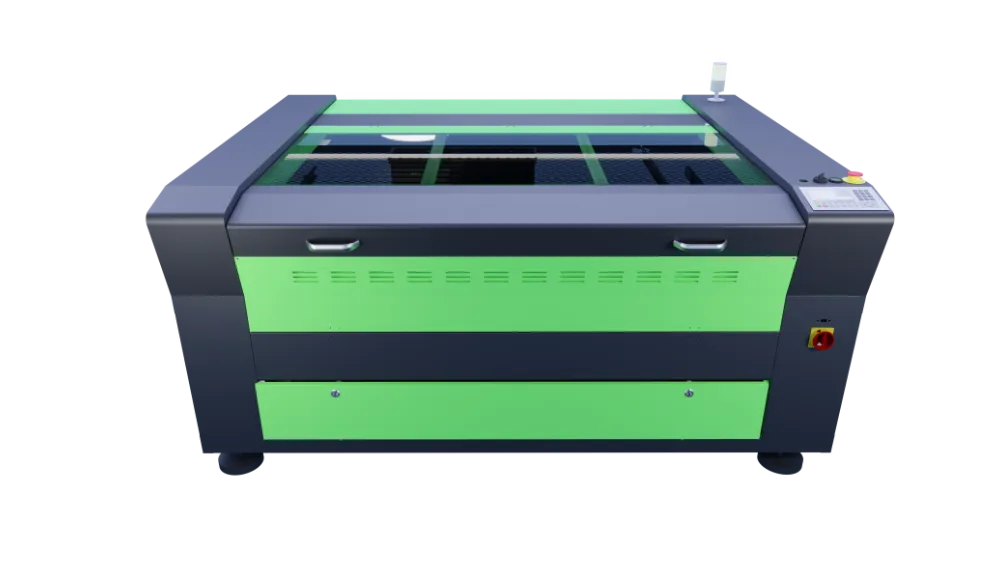
Start with the materials and thicknesses you cut most weeks — not the highest wattage on the price list. A compact 80W desktop platform may suit education, craft and light sheet work; workshop Pro routes add bed size and optional 100W or 130W RECI upgrades; Large Format 150W RECI machines serve oversized signage and high-volume non-metal sheet. If mild steel, stainless or aluminium sheet dominates, compare fibre laser routes instead of upsizing CO2 power.
Common CO2 laser wattage ranges and where they fit
| Wattage range | Typical buyer / use case | Common materials | Buyer consideration |
|---|---|---|---|
| 80W RECI (Desktop and Pro entry) | Education, makerspaces, prototyping, craft and light workshop output | Wood, acrylic, paper, fabric and light non-metal sheet | Lasertech Desktop 3050 and Pro 4060/6090 entry — match A3-scale or workshop bed to job size |
| 100W–130W RECI (Pro upgrades) | Daily workshop signage, display and fabrication | Acrylic, MDF, laminates and thicker non-metal sheet | Optional upgrades on selected Pro formats — when 80W standard limits throughput on everyday jobs |
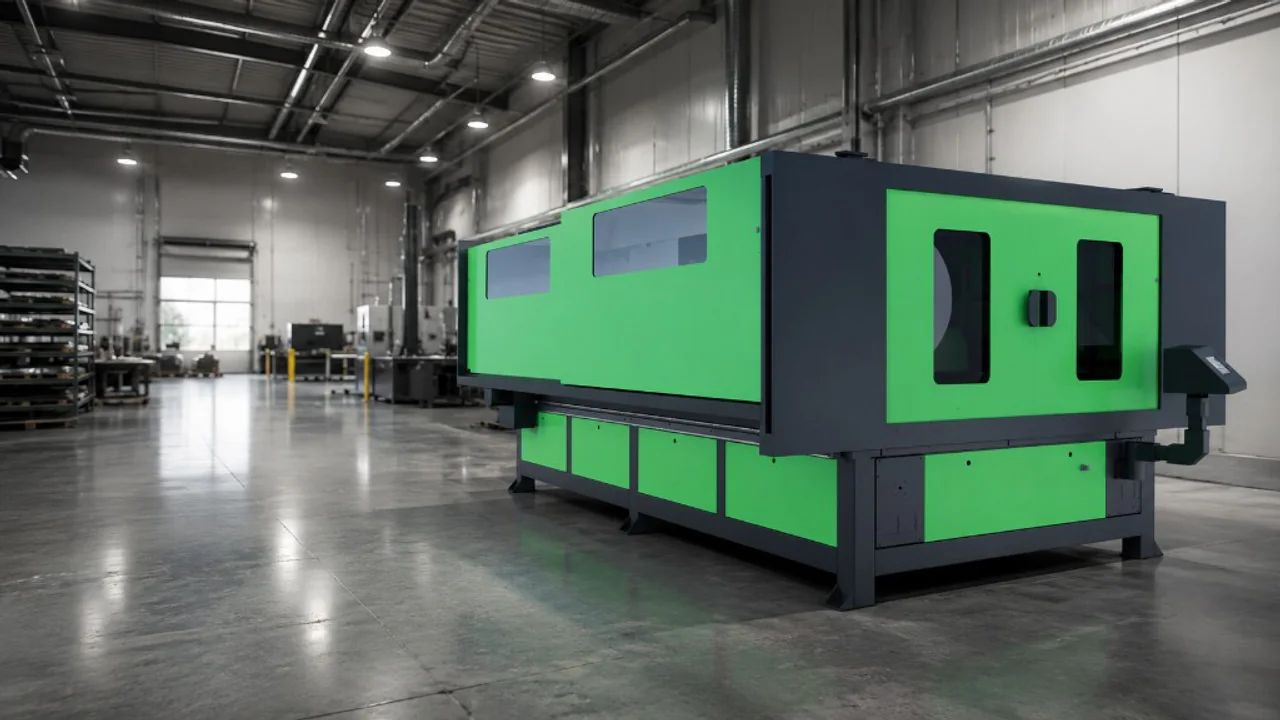
| 150W RECI (Large Format and M-CUT) | Large-format signage, display production and high-volume sheet | Oversized acrylic, MDF and production non-metal panels | LF1325–LF2030 Large Format; M-CUT for mixed non-metal plus limited thin-metal work only — not production sheet metal |
Compare platforms on the CO2 laser hub, Lasertech Desktop, Lasertech Pro and Lasertech Large Format product pages.
Choosing wattage for acrylic
Acrylic is one of the most common CO2 laser materials — signage, display and point-of-sale work. Wattage influences how quickly you can process everyday sheet, but edge quality depends on lens and focus, assist settings, material grade, extraction and tested parameters. Do not assume maximum wattage alone delivers flame-polished edges on every thickness.
Dial starting settings in the CO2 parameter guide and compare Pro or Large Format routes on the hub when sheet sizes or daily hours outgrow desktop capacity.
Choosing wattage for wood and MDF
CO2 lasers are widely used for timber, plywood, MDF and similar non-metal sheet. Material density, glue content, moisture and whether you are cutting or engraving all affect the power you need. Higher wattage can help on thicker stock or faster production runs — but extraction, safe working practices and tested feeds matter as much as tube rating.
Choosing wattage for education and training
Schools, colleges and makerspaces often prioritise enclosed safety, manageable workflow, software support and UK handover over maximum power. The Lasertech Desktop route with 80W RECI suits many education and prototyping rooms where bed size and supervision fit A3-scale work.
Read desktop CO2 for crafters and education and the education machinery hub for funding, warranty and workshop planning context.
Choosing wattage for signage, craft and production work
Signage and production buyers often need larger beds, repeatability, faster turnaround on batch work, reliable extraction and a software workflow the team can run daily. That usually means stepping from Desktop into Pro — or Large Format when sheet sizes exceed Pro bed limits — rather than simply buying the highest wattage on a compact platform.
- Bed size — nest your standard panel without excessive repositioning.
- Repeatability — stable optics, chiller and maintenance rhythm.
- Extraction and filtration — plan safe fume management from install day.
- Lightburn workflow — layout, CAM and machine control on Lasertech platforms.
- UK installation, training and service backup from Mantech.
Wattage is not the only buying decision
- Bed size and working area — wattage cannot compensate for an undersized table.
- RECI tube quality and upgrade path — genuine tube specification on Lasertech platforms.
- Extraction and filtration — BOFA, Purex or ducted options depending on install.
- Chiller and cooling — stable tube life depends on correct cooling.
- Software and control — Lightburn included on Lasertech supply packages.
- Training and UK handover — operator confidence affects results more than peak power demos.
- Installation space, power supply and maintenance access.
- Support and tube-life planning — see the maintenance guide before you commit floor space.
Read the 5 things to look for when choosing a CO2 laser, the CO2 laser cost guide and the CO2 maintenance guide alongside wattage selection.
CO2 laser or fibre laser?
CO2 lasers suit acrylic, wood, MDF, card, many plastics, craft, signage, education and general non-metal workflows. Fibre lasers suit production sheet metal — mild steel, stainless and aluminium within rated platform spec. CO2 is not the right primary route for production metal cutting; buyers quoting metal-heavy work should compare fibre flatbed platforms instead.
Read our fibre vs CO2 sheet metal guide, the broader fibre vs CO2 comparison and explore fibre laser cutters when metal dominates your workload.
Useful next reads
- CO2 laser parameter guide
Starting cut and engrave settings by material — test and refine on your platform and wattage.
- Choosing the right CO2 laser cutter
Five buyer checks beyond wattage — bed size, software, extraction and support.
- CO2 laser cost guide
Ownership costs including tube life, extraction and electricity — not headline price alone.
- CO2 laser maintenance guide
Mirror alignment, tube hours and upkeep rhythm protect capability after install.
- Desktop CO2 for education and craft
When compact 80W enclosed platforms suit schools, makerspaces and first workshops.
- Lasertech M-CUT CO2 range
Mixed non-metal and limited thin-metal capability — understand scope before you assume metal production.
Frequently asked questions
What wattage CO2 laser cutter do I need?
Match rated tube power to your everyday material, thickness and daily run hours. Many education and craft buyers start on 80W Desktop or Pro entry; workshop signage often needs Pro with 100W or 130W upgrades; oversized production sheet may need 150W Large Format. Compare routes on the CO2 hub and test with your own material.
Is a higher wattage CO2 laser always better?
No. Higher power helps when your verified everyday jobs need more throughput on thicker non-metal stock — but bed size, extraction, optics, parameters and support matter equally. Overspecifying wattage on the wrong platform wastes budget and floor space.
What CO2 laser wattage is best for acrylic?
Depends on sheet size, thickness and daily volume. Desktop 80W suits many craft and education acrylic jobs; busy signage workshops often step up through Pro to Large Format 150W when sheet size and batch hours grow. Use the parameter guide for starting settings — edge finish still depends on setup.
Can a CO2 laser cutter cut metal?
CO2 is primarily for non-metal materials. The Lasertech M-CUT platform offers limited thin-metal capability with oxygen assist — not production sheet metal cutting. For mild steel, stainless and aluminium fabrication, compare fibre laser routes instead.
What else should I consider besides wattage?
Bed size, tube specification, extraction, chiller, software workflow, training, installation space, maintenance and UK support. Read the 5-key CO2 buyer article, cost guide and maintenance guide alongside this wattage walkthrough.